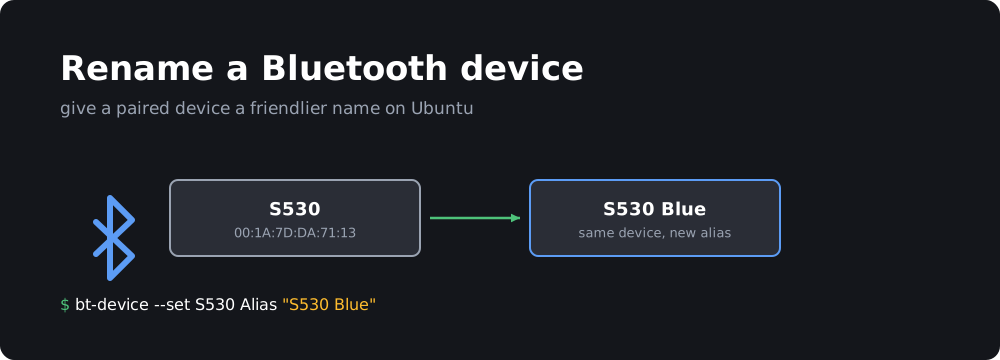
Some Bluetooth devices show up in Ubuntu with unhelpful names like S530 or a bare MAC address. You can give them an alias that’s used in the Settings panel and the sound menu.
Option 1: bt-device
Use bt-device, part of the bluez-tools package:
sudo apt install bluez-tools
Get a list of paired devices:
bt-device -l
To set the new alias:
bt-device --set <mac-address|name> Alias "New Name"
For example:
bt-device --set S530 Alias "S530 Blue"
Option 2: bluetoothctl (no extra packages)
bluetoothctl comes with Ubuntu. Start it, connect to the device, then set the alias:
bluetoothctl
[bluetooth]# devices
[bluetooth]# connect AA:BB:CC:DD:EE:FF
[S530]# set-alias S530 Blue
[S530 Blue]# exit
The new name shows up right away in the Bluetooth settings and stays after a reboot. To go back to the original name, set the alias to an empty string.