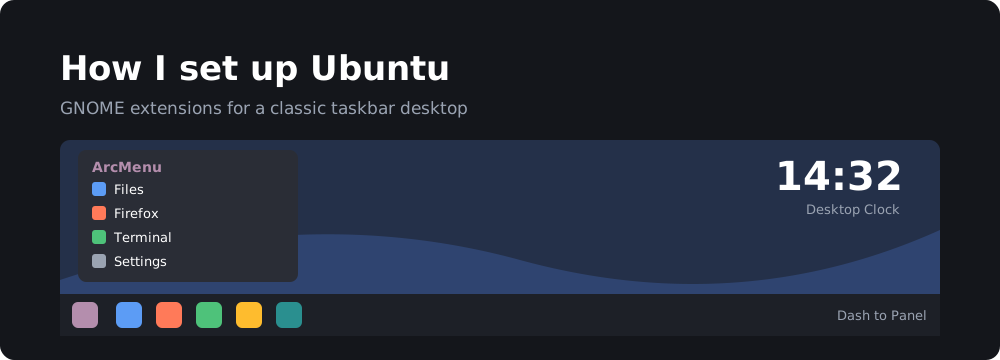
These are the GNOME extensions and apps I install right after a fresh Ubuntu install. They make the desktop feel closer to a classic taskbar layout.
For the command-line tweaks I apply (dock behaviour, transparency, a wallpaper slideshow), see Ubuntu customizations from the command line.
Installing GNOME extensions
The easiest way to install extensions is the Extension Manager app:
sudo apt install gnome-shell-extension-manager
Open it, search for the extension by name and click Install. You can also install them from extensions.gnome.org with the browser add-on.
Extensions
- Dash to Panel: merges the dock and the top bar into a single Windows-style taskbar.
- Desktop Widgets (Desktop Clock): puts a clock widget on the desktop.
- ArcMenu: a start-menu style application launcher with search, favourites and lots of layouts.
Apps
Variety: a desktop wallpaper downloader and changer. It can pull images from online sources or your own folders and rotate them on a timer.
sudo apt install variety
AppImageLauncher: the first time you open an AppImage, it offers to move it to a central folder and add it to the app menu, so AppImages behave like installed apps. Install the .deb from the project’s releases page.