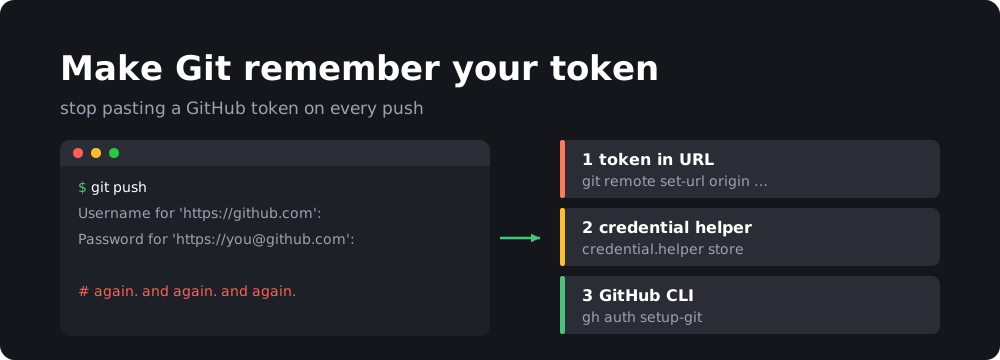
GitHub no longer accepts your account password for Git over HTTPS. You need a personal access token, and typing it on every git push gets old quickly. Here are three ways to make Git remember it.
Option 1: put the token in the remote URL
This is what I used originally. Set this in your .bashrc or .zshrc file:
export username="git-hub-token"
Then run the command below to save your credentials:
git remote set-url origin https://username:[email protected]/username/repo-name.git
It’s quick, but the token ends up in plain text in .git/config and has to be set per repository.
Option 2: Git’s credential helper
Let Git store the token after the first successful push:
git config --global credential.helper store
The next time you push, enter your GitHub username and paste the token as the password. Git saves it to ~/.git-credentials and won’t ask again. That file is plain text too, so keep it private (chmod 600 ~/.git-credentials).
If you’d rather keep it only in memory for a while:
git config --global credential.helper 'cache --timeout=3600'
Option 3: the GitHub CLI (recommended)
If you have the GitHub CLI installed:
gh auth login
gh auth setup-git
gh handles the token for you and configures Git to use it for every GitHub repository.
Check which remote you’re using
git remote -v
If it shows [email protected]:..., you’re using SSH and none of this applies. See how to log in with SSH keys instead.